

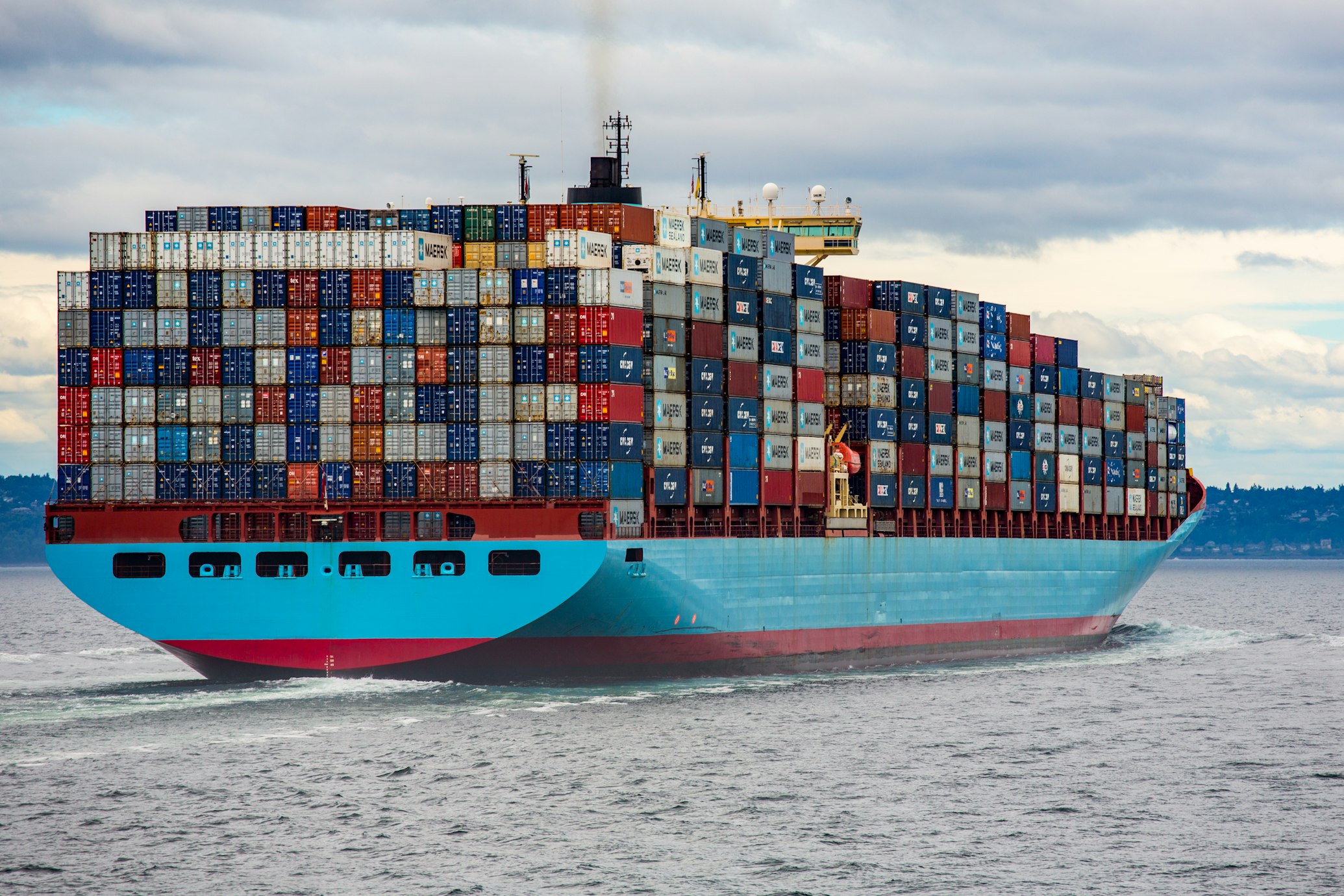
When to Use Docker (and When Not To)
Introduction
Containers are the default packaging format for server-side software in 2026 — but default does not mean universal. Docker solves a specific set of problems, and adopting it where those problems don't exist buys you a build pipeline, a registry, and an orchestration question you didn't have before. The useful question is not "should we use Docker?" but "does this workload benefit from what containers actually provide?"
What Containers Actually Provide
- A reproducible runtime. An image bundles your application with its exact dependencies, down to the system libraries. The artifact that passed tests in CI is the artifact that runs in production — "works on my machine" stops being a category of incident.
- Cheap, fast isolation. Containers are ordinary processes isolated with kernel namespaces and cgroups. They start in milliseconds, and you can pack dozens onto a host that would comfortably run a handful of VMs.
- An artifact-first delivery model. A tagged, immutable image slots naturally into CI/CD pipelines, canary deployments, and one-command rollbacks.
Where Docker Pays Off
If a workload matches one or more of these profiles, containerization is usually worth it:
- Stateless services and APIs that scale horizontally and externalize their state to a database or object store.
- Polyglot estates where services need conflicting runtime versions on the same hosts — containers end the shared-dependency fights.
- CI build and test environments, where a pinned image guarantees every pipeline run starts from the same toolchain.
- Developer environment parity — new engineers run the whole stack locally on day one instead of following a 40-step setup wiki.
Where Docker Is the Wrong Tool
- Desktop GUI applications. Containers have no display server; forwarding X11 or Wayland out of a container is a workaround, not a distribution strategy. Ship native packages.
- Heavy stateful monoliths without orchestration maturity. A large relational database or a clustered ERP gains little from being containerized if nobody on the team has operated persistent storage, backups, and failover in an orchestrator. Kubernetes operators make containerized databases viable, but that is an investment in real-world Kubernetes operations, not a starting point. A VM or a managed service is a legitimate answer.
- One small app on one VM. If you deploy a single service a few times a year, systemd and a package manager may carry less complexity than an image pipeline. Spend your complexity budget where it returns something.
Containers vs Virtual Machines — Correctly
A VM virtualizes hardware and boots its own kernel; a container shares the host's kernel and isolates only the process view. That single fact drives every practical difference:
- Linux containers need a Linux kernel. Docker Desktop on macOS and Windows runs them inside a lightweight Linux VM (WSL 2 on Windows) — transparent to you, but it is still Linux underneath.
- Windows containers run only on Windows hosts. They require Windows Server 2022/2025 or Windows 11 with the containers feature enabled. You cannot run a Windows container on a Linux or macOS host, and the base images come from the Microsoft Container Registry (MCR), not Docker Hub:
# Requires a Windows host: Windows Server 2022/2025 or Windows 11
docker pull mcr.microsoft.com/windows/servercore:ltsc2022
docker run -it mcr.microsoft.com/windows/servercore:ltsc2022 cmd- Isolation is weaker than a VM's. A shared kernel means a container escape is a kernel compromise. For hostile multi-tenancy, use VMs or sandboxed runtimes — not plain containers.
A Quick Decision Checklist
- Does the workload run headless and externalize its state?
- Do you deploy more than once a month, or run more than a couple of services?
- Do dependency conflicts or environment drift cause real incidents today?
- Can the team cover container basics — image hygiene, log collection, patching?
Three or four yes answers: containerize, and do it properly from the first image — our guide to Dockerfile best practices is the place to start. Mostly no: a VM or a PaaS is not a failure, it's a fit.
Conclusion
Docker earns its keep on reproducibility, density, and delivery speed — for the workloads shaped to use them. If you're weighing a containerization effort and want an honest assessment before committing, our DevOps consulting team does exactly that evaluation.
Planning a move? Our AWS migration services get you to a Well-Architected foundation in 8–16 weeks — fixed price, staged cutover, rollback plan in writing.